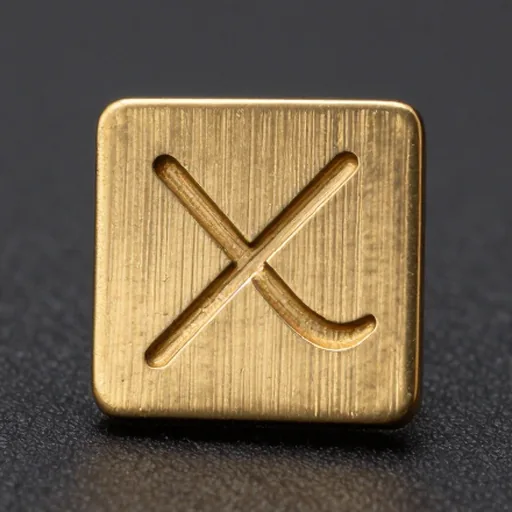
Campaign layouts
Draft posters, banners, and launch stills from one written direction.
Hy Image 3.5 Online
Create images from text prompts with Hy Image 3.5, directly in your browser.
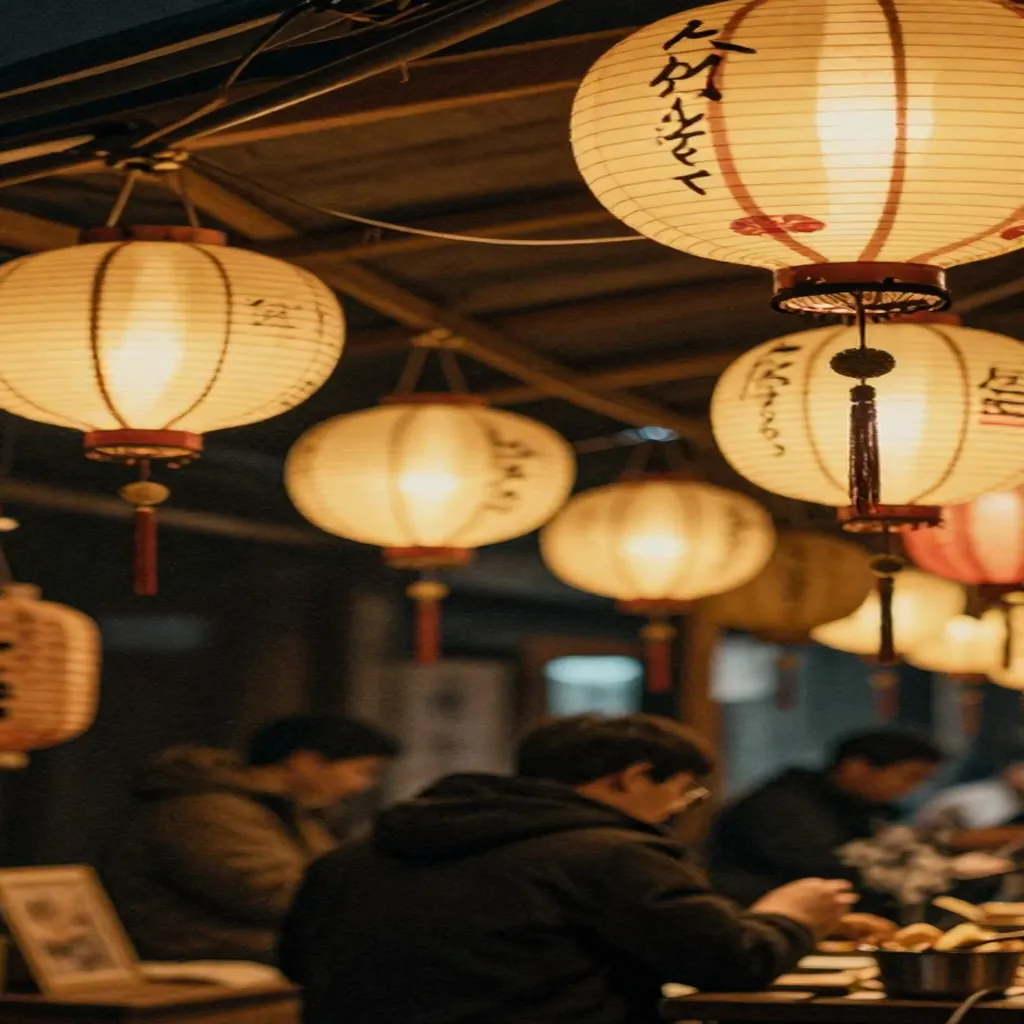
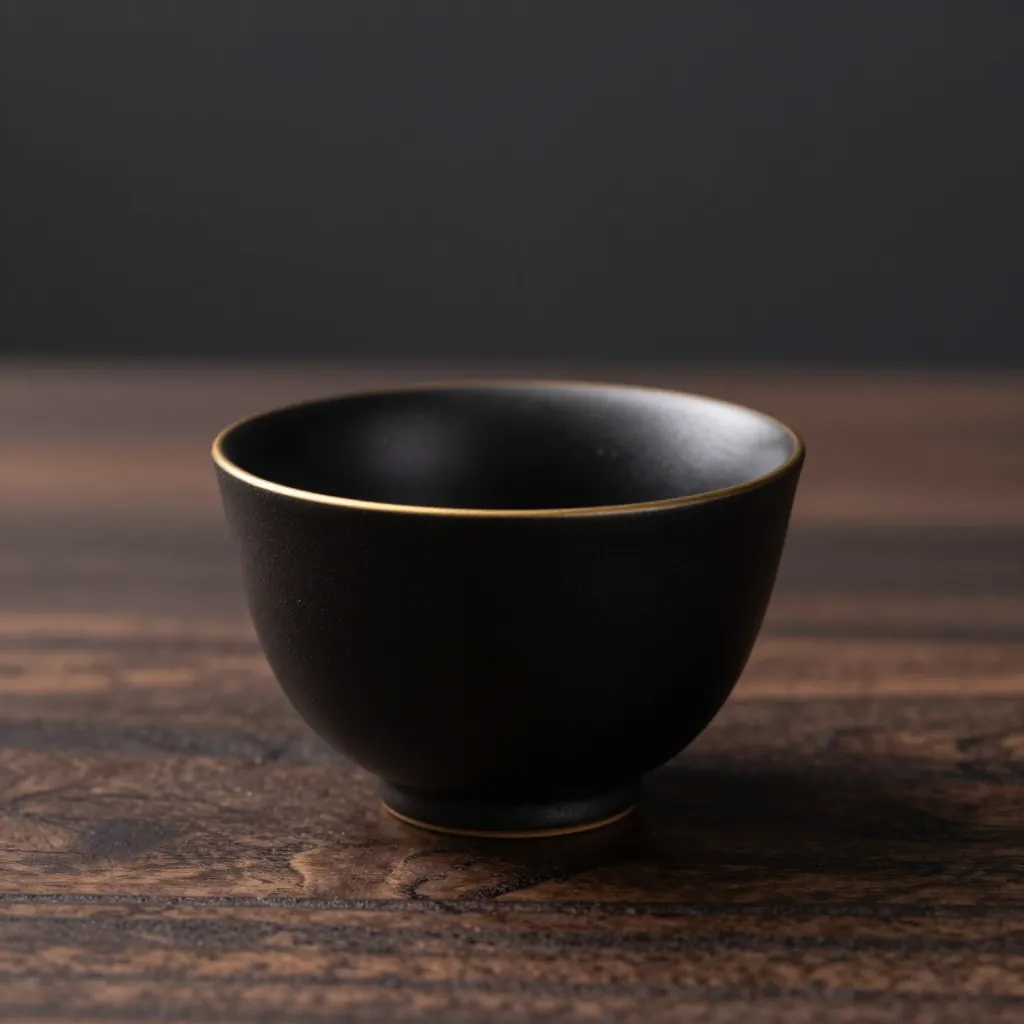
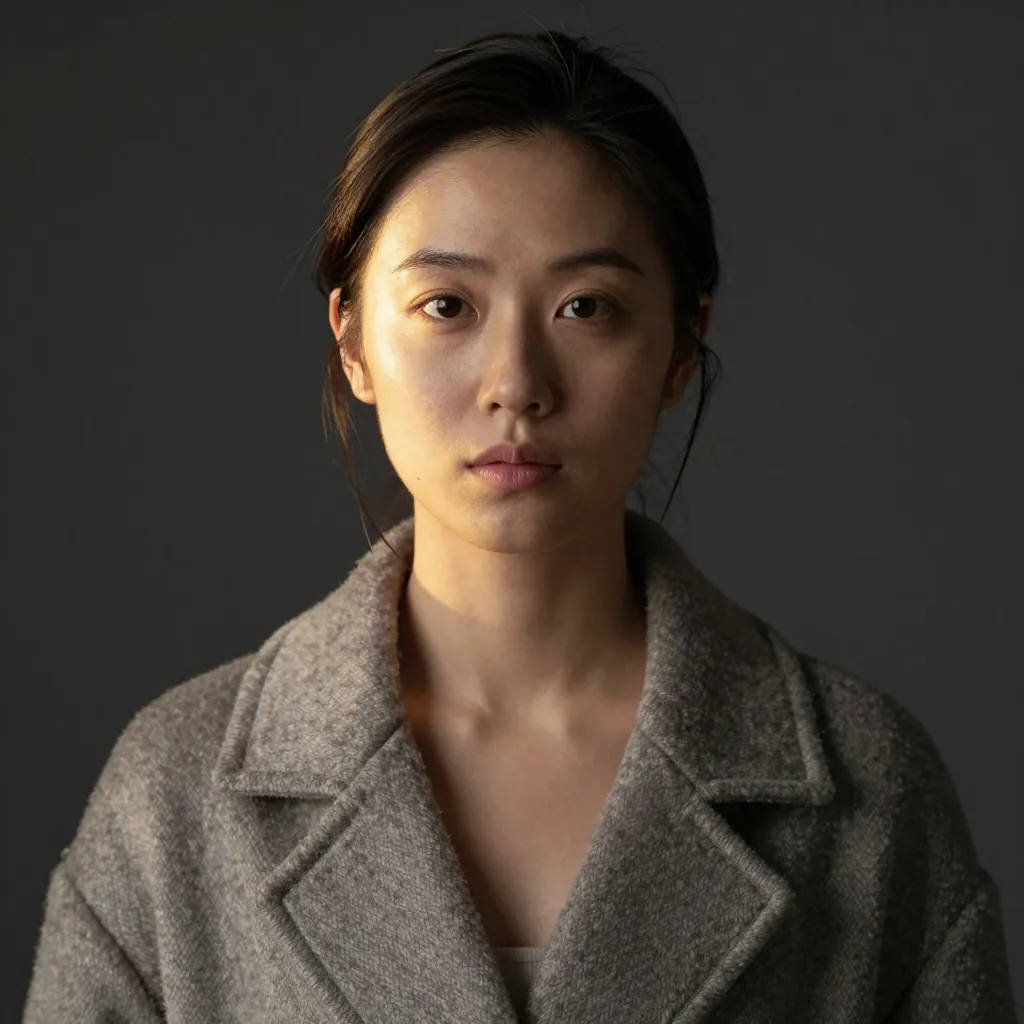
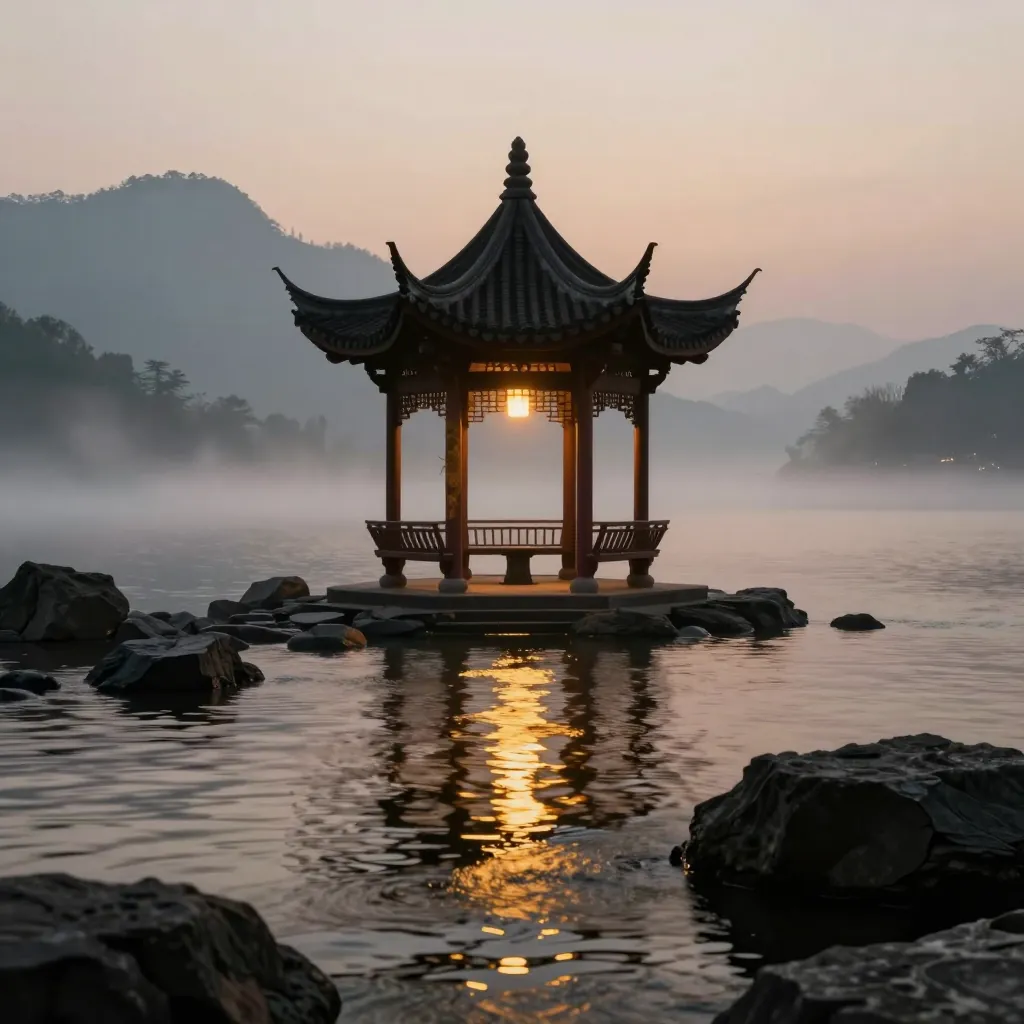
Browse portraits, products, posters, and concept visuals created with Hy Image 3.5.
Create images from prompts, choose your format, and keep your generations in one place.
Turn detailed text prompts into images. Describe the subject, style, composition, lighting, camera, and more.
Add words, titles, labels, and other visible text directly to your prompt for text-rich image generation.
Generate in 1:1, 16:9, 9:16, 4:3, or 3:4 to match different creative needs.
The generator opens on Hy Image 3.5. Set the aspect ratio, then run the prompt.
Revisit your previous generations, reuse prompts, and download images anytime from your account.
See the credit cost before you generate, so you always know what each creation will use.
Independent third-party service. Not affiliated with Tencent.
Go from an idea to a generated image in three simple steps.
Write a prompt with the subject, style, composition, lighting, and details you want.
Choose your model, aspect ratio, and generation settings.
Check the credit cost, generate your image, and download the result.
Hy Image 3.5 Preview is for prompts that need a finished still, not a blank canvas.
Draft posters, banners, and launch stills from one written direction.
Place an object in a set with lighting and materials described in the prompt.
Use 1:1, 16:9, 9:16, 4:3, or 3:4 so the same idea fits a feed or a story.
Explore a character, room, or environment before a longer production.
These notes describe jobs the workspace is built for. They are not verified customer ratings.
I write the headline, the paper color, and the crop in one prompt, then adjust the ratio before I download.
I use it for a first product scene when the set is not booked yet. The prompt carries the material and the light.
I keep one idea and switch between square and vertical so the same subject fits two placements.
Written by hyimage35.com editorial Updated
Hy Image 3.5 is an AI image generation model designed to turn text prompts into detailed images. It can be used for creative artwork, concept visuals, product imagery, illustrations, and other text-to-image workflows.
On hyimage35.com, you can try Hy Image 3.5 directly in your browser — enter a prompt, adjust your settings, and generate an image in seconds.
Generate images from natural-language prompts
Explore different styles, subjects, and compositions
Generate without installing or configuring a local environment
Hy Image 3.5 Preview is the name used for this image workspace. hyimage35.com is independent and is not operated by Tencent.
hyimage35.com is an independent third-party service and is not affiliated with or endorsed by Tencent.
Hy Image 3.5 generations start at 4 credits. Choose a plan that fits how often you create.
See Plans & PricingCommon questions about generating images with Hy Image 3.5.
Describe your idea, choose your settings, and generate your next image in seconds.